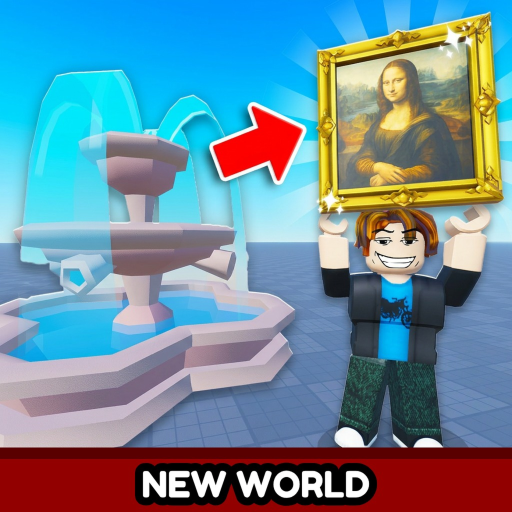
How to Redeem Throw a Coin Codes
Step-by-step guide to redeem Throw a Coin Roblox codes through the Shop menu — WORLD3, candy, Luckyducky, and future codes.
Play on RobloxRedeeming codes in Throw a Coin happens inside the Shop menu, not a separate Codes HUD button. The BEST group yet! added this section in July 2026 alongside Update 3. This guide walks through the exact steps, common mistakes, and what to do when redemption fails.
Three codes work as of August 1, 2026: WORLD3, candy, and Luckyducky. Copy them from our Active Codes page to avoid typos from social media reposts.
Step-by-step redemption (Shop method)
Launch Throw a Coin from the official Roblox game page linked on our homepage. Wait until your character loads fully and finish the tutorial if it appears on first join. Look for the Shop button on the left side of the screen — it opens the in-game store and codes area.
Scroll down within the Shop menu until you reach the codes section at the bottom. Type the code exactly as published, respecting capitalization. Press Claim or the equivalent confirm button. A success message should appear along with the reward — luck boosts activate as timed buffs, while item codes like Luckyducky add directly to inventory.
- Open Throw a Coin on Roblox and complete the tutorial if needed
- Click the Shop button on the left HUD
- Scroll to the codes section at the bottom of the shop
- Type the code exactly as shown on throw-a-coin.wiki
- Press Claim and verify the reward message
What each active code gives you
WORLD3 grants a 5× Luck Boost lasting 10 minutes — ideal for fountain farming sessions during World 3 content. candy grants a shorter 5× Luck Boost for 5 minutes. Luckyducky grants one Divine Rubber Duck, a mutated item with the Divine tier multiplier that cannot drop naturally from the fountain.
Use luck boosts immediately after redeeming while standing at the fountain. Do not redeem Luckyducky expecting a cash payout without checking sell value — Divine mutations multiply vendor prices dramatically.
Troubleshooting failed redemption
Expired codes show a generic invalid message. Copy the code again from our Active list rather than from social media reposts. If Roblox servers lag during an event, wait sixty seconds and rejoin the experience before retrying.
Mobile players should use the in-game keyboard carefully — trailing spaces break codes. PC players can paste from our wiki to reduce typos. One-time-per-account limits mean you cannot redeem the same code twice even on a new server.
Frequently Asked Questions
Where is the code box in Throw a Coin?
Inside the Shop menu — scroll to the codes section at the bottom, not a separate top-level Codes button.
Do codes expire?
Yes. Most Roblox codes expire after a set time or usage limit. Redeem as soon as we publish them.
Why did my code work for a friend but not me?
They may have redeemed before expiration, or you already used that one-time code.
Can I redeem on mobile?
Yes — the Shop codes section works on all Roblox platforms.